



Description
Flight Alert Simulator 3D Free
Overview
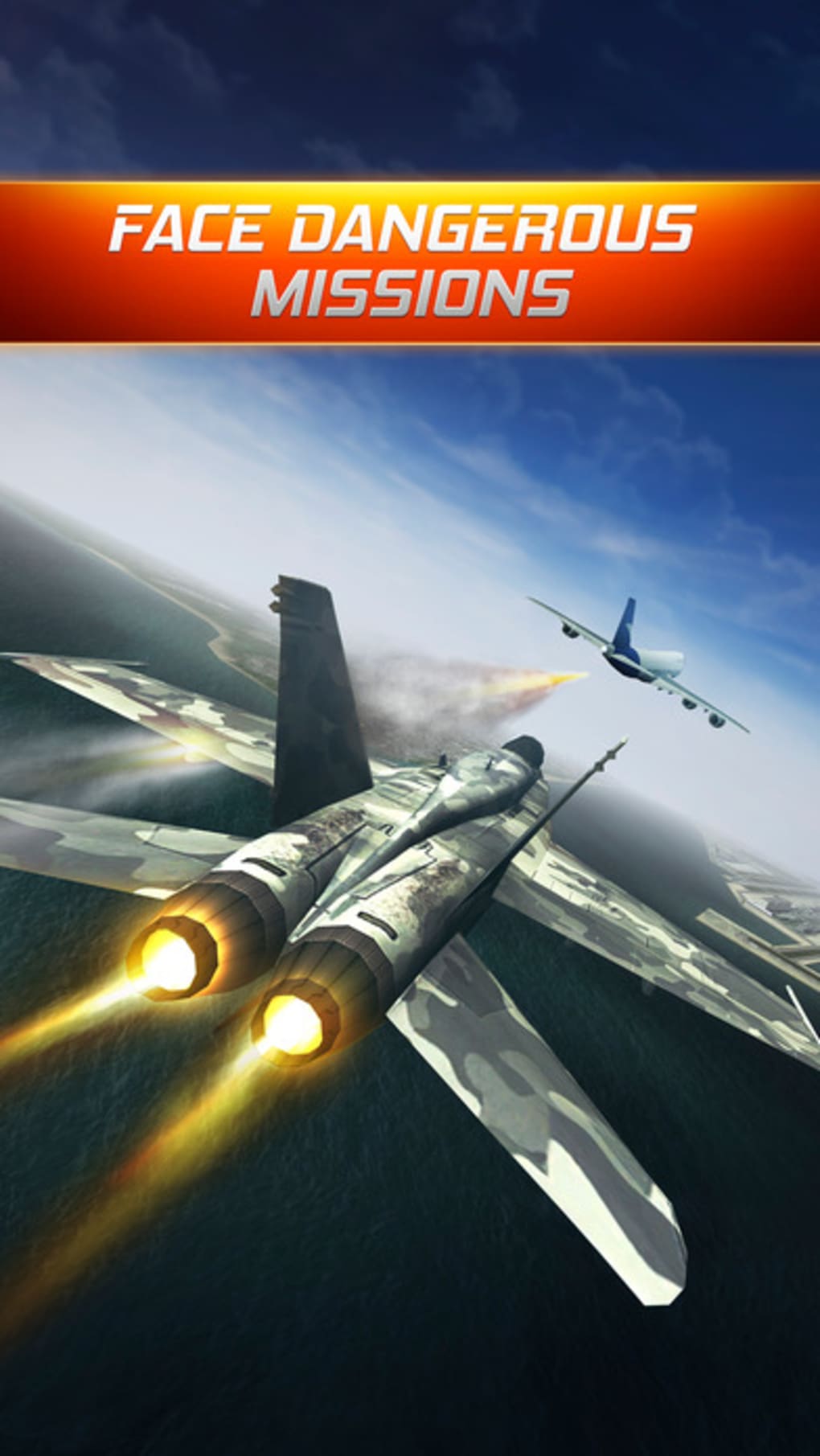
Flight Alert Simulator 3D Free places players directly in the cockpit of a commercial aircraft, delivering an immersive experience designed for aviation enthusiasts and casual gamers alike. The game simulates high-pressure flight scenarios, including extreme weather conditions and unexpected mechanical failures, challenging players to land safely under difficult circumstances. Its primary purpose is to provide an engaging, realistic flight simulation environment without requiring prior aviation knowledge. Target users include hobbyists, aspiring pilots, and fans of adventure-based simulation games. The developer, Skyline Games, has focused on creating a free-to-play experience that emphasizes visual fidelity and dynamic gameplay. Real-world usage scenarios include practicing emergency procedures, testing decision-making under stress, and simply enjoying the thrill of flying. While the game is free, it includes in-app advertisements, which may affect the user experience during extended play sessions.
Key Features & Capabilities
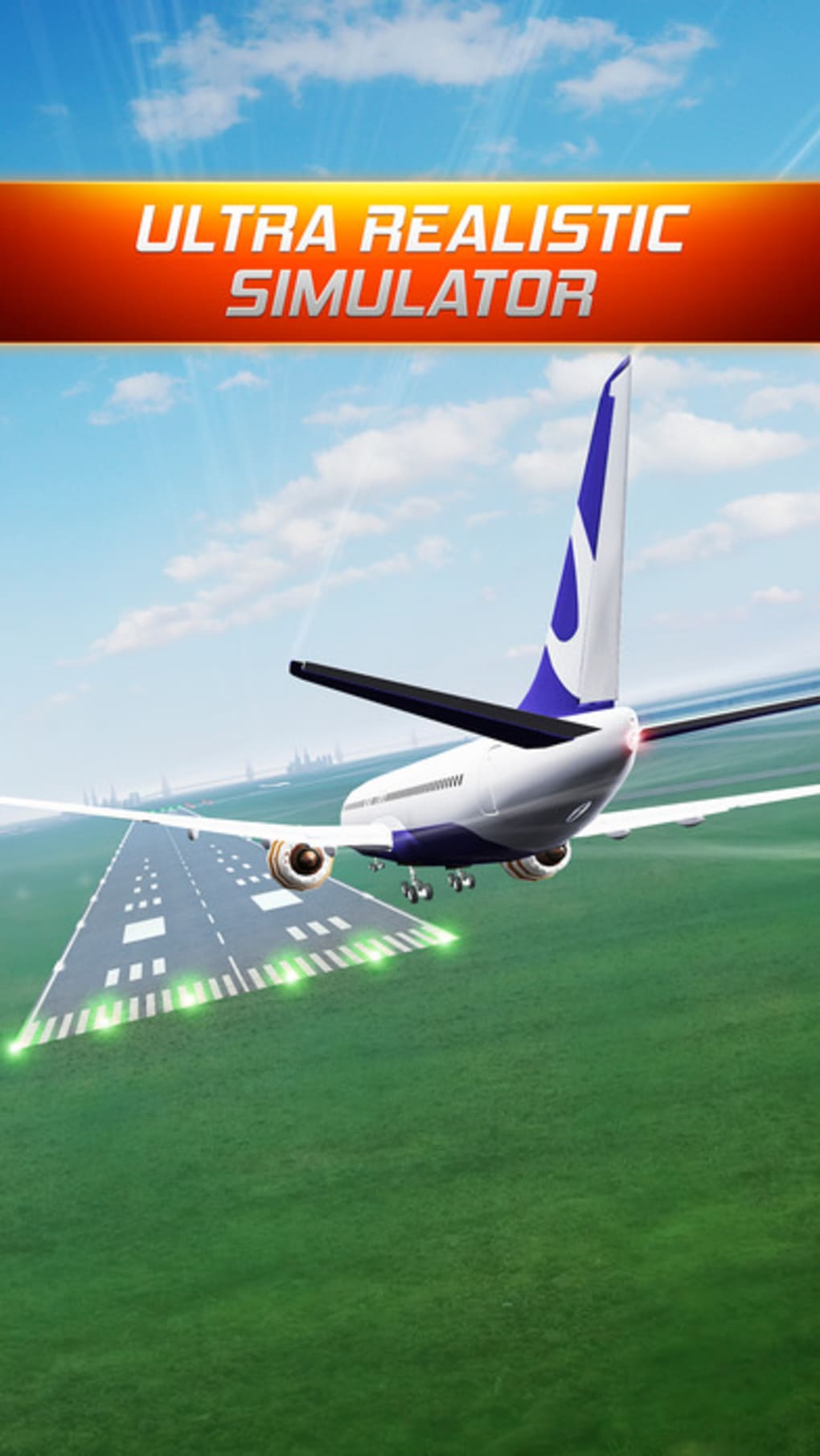
- 3D Flight Simulation – Offers visually rich environments with detailed aircraft models and realistic cockpit layouts, enhancing immersion during gameplay.
- Dynamic Weather Systems – Introduces unpredictable weather patterns such as storms, wind shear, and fog, increasing the difficulty and realism of each flight.
- Aircraft Variety – Players can choose from multiple aircraft models, including the Airbus A320 and Boeing 747, each with distinct handling characteristics.
- Emergency Scenarios – Features sudden technical failures like engine malfunctions or hydraulic system drops, requiring quick thinking and precise control.
- Realistic Landing Challenges – Focuses on precision landings under pressure, simulating real-world pilot tasks such as approach management and flare control.
These features combine to create a gameplay loop where each mission presents unique obstacles. For example, players may need to navigate through a thunderstorm while managing a failing engine, requiring both spatial awareness and tactical decision-making. The inclusion of multiple aircraft allows for experimentation with different flight dynamics, while the emphasis on landing accuracy helps reinforce core piloting skills. The simulation is designed to be accessible yet challenging, making it suitable for both beginners and experienced sim fans.
User Interface, Workflow & Performance
The user interface is structured around a cockpit-centric layout, with primary flight instruments and a forward-facing viewport that displays the external environment in 3D. Navigation is handled through intuitive controls, with on-screen buttons and keyboard mappings available for input. The workflow follows a logical sequence: mission selection, pre-flight checks, takeoff, in-flight navigation, and final approach. The game maintains a consistent frame rate during standard gameplay, though performance may vary depending on the system’s graphics capabilities. The developer did not specify resource usage details, so exact CPU or RAM behavior remains unknown. Stability appears to be consistent across typical use cases, with no reported crashes in the provided information. However, the presence of in-app advertisements may interrupt gameplay flow, particularly during critical phases such as landing. Overall, the interface is designed to prioritize clarity and ease of use, minimizing distractions during high-stress scenarios.
Compatibility & System Requirements
Flight Alert Simulator 3D Free is available for both Windows and Mac operating systems. The software version is 1.0.0, with a total installation size of 450 MB. Platform compatibility information is limited to these two systems, and no additional support for mobile or web platforms was mentioned. The developer did not provide detailed hardware requirements, so exact specifications for CPU, GPU, or RAM are unavailable. Users are advised to ensure their system meets general desktop application standards for running 3D graphics. Performance observations are based on general software behavior patterns, and actual results may vary depending on the user’s device configuration.
Pros and Cons
Pros
- Immersive 3D graphics enhance realism and engagement.
- Varied aircraft models offer diverse flight experiences.
- Realistic emergency scenarios improve situational awareness.
- Free to download and play with no upfront cost.
- Accessible controls make it suitable for beginners.
Cons
- Pop-up advertisements may disrupt gameplay.
- Limited system requirements information provided.
- Performance details not disclosed by the developer.
- Free version may lack advanced features or content.
- No indication of offline mode availability.
FAQ Section
Is Flight Alert Simulator 3D Free available for both Windows and Mac?
Yes, the software is compatible with both Windows and Mac operating systems.
Can I play this game offline?
The developer did not specify whether offline play is supported. It is recommended to check the application settings or documentation for details.
Is the game safe to download and install?
As a free desktop application from Skyline Games, the software is intended to be secure. Users should ensure they download from official sources to avoid potential risks.
Are there any in-app purchases or subscription fees?
The game is free to download and play, but it includes in-app advertisements. No additional pricing tiers or subscription models were mentioned.
How often are updates released?
Update frequency was not specified. The current version is 1.0.0, and future updates may be released based on user feedback or development plans.
Final Thoughts
Flight Alert Simulator 3D Free delivers a compelling aviation experience with strong visual design and challenging gameplay. Its blend of realistic flight mechanics, dynamic weather, and emergency scenarios makes it a standout choice for fans of simulation games. While the presence of advertisements may affect the user experience, the core gameplay remains engaging and accessible. The free model lowers the barrier to entry, allowing players to explore flight simulation without financial commitment. For aspiring pilots, aviation hobbyists, and casual gamers seeking adventure, this app offers a rewarding experience. The combination of aircraft variety, immersive 3D visuals, and high-stakes challenges ensures lasting appeal. Download Flight Alert Simulator 3D Free now.
Guides & Tutorials for Flight Alert Simulator 3D Free
How to install Flight Alert Simulator 3D Free
- Click the Preview / Download button above.
- Once redirected, accept the terms and click Install.
- Wait for the Flight Alert Simulator 3D Free download to finish on your device.
How to use Flight Alert Simulator 3D Free
This software is primarily used for its core features described above. Open the app after installation to explore its capabilities.
User Reviews for Flight Alert Simulator 3D Free 0
No reviews found





